iCal cleaning calendar integration
Link calendars to rooms and use checkout information for cleaning schedules. The workflow is designed to reduce retyping and make the last successful fetch visible.
The cleaning schedule service will begin with a beta. Tell us your current reservation-management method and rooms so we can explain connections and beta terms.
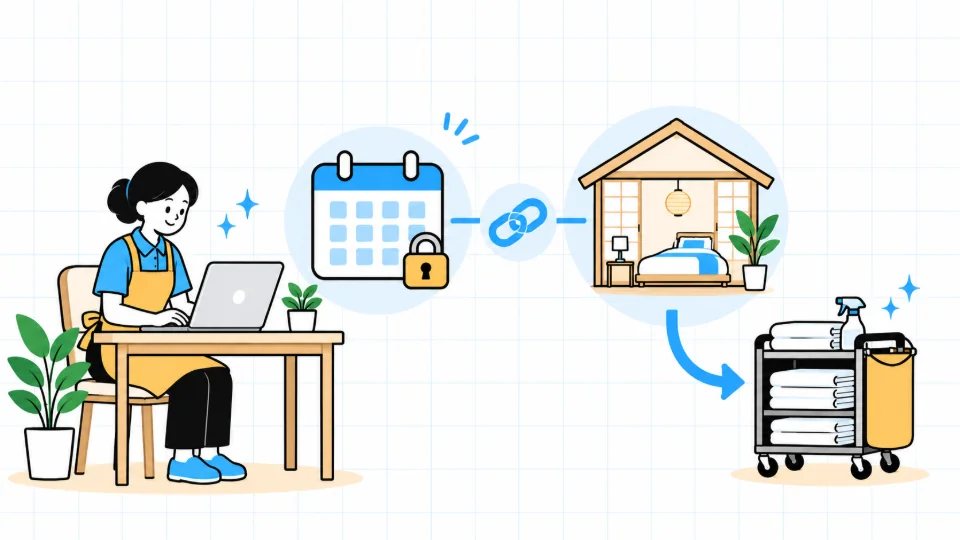
What does iCal add to cleaning schedule management?
The planned workflow maps a booking calendar to a room and uses confirmed checkout information to create cleaning schedules. It is intended to reduce copying dates between screens. It does not replace a PMS for taking bookings or managing availability.
How your cleaning schedules are organized
Connect a calendar
What is difficult today

Opening each booking source and copying dates to a sheet adds more places to keep in sync.
How STAYJP helps organize it
Set up reservation-data access through iCal or a channel manager whose support has been verified. This does not take bookings or set accommodation prices.
Requirements for this function
Private iCal URLs are secrets. Do not paste them into consultation forms or public messages; the planned setup flow verifies access before registration.
Map calendars to rooms
What is difficult today
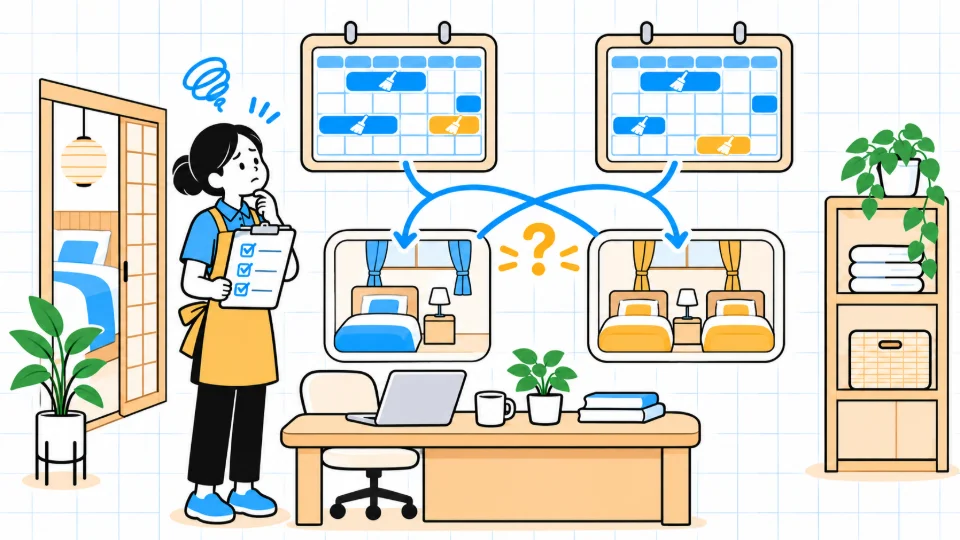
Similar property and room names make an incorrect calendar mapping easy to miss.
How STAYJP helps organize it
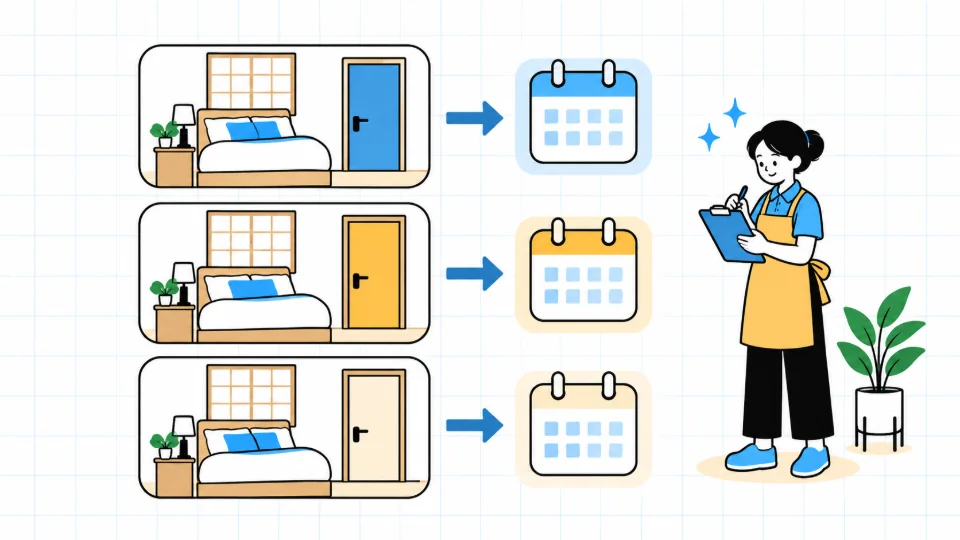
Confirm which calendar belongs to each physical room. Different rooms within the same building must not inherit one another’s schedules.
Requirements for this function
Multiple iCal/PMS connections for one room do not create multiple room charges. Registered rooms and rooms with paid active automation are counted separately.
Create post-checkout cleaning tasks
What is difficult today
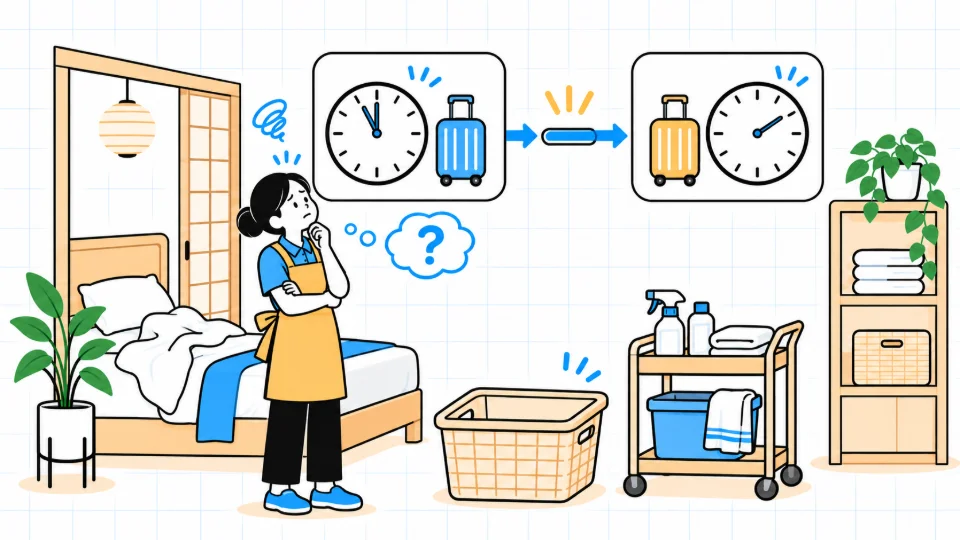
A date-only sheet cannot show the available cleaning window, so you have to check again.
How STAYJP helps organize it
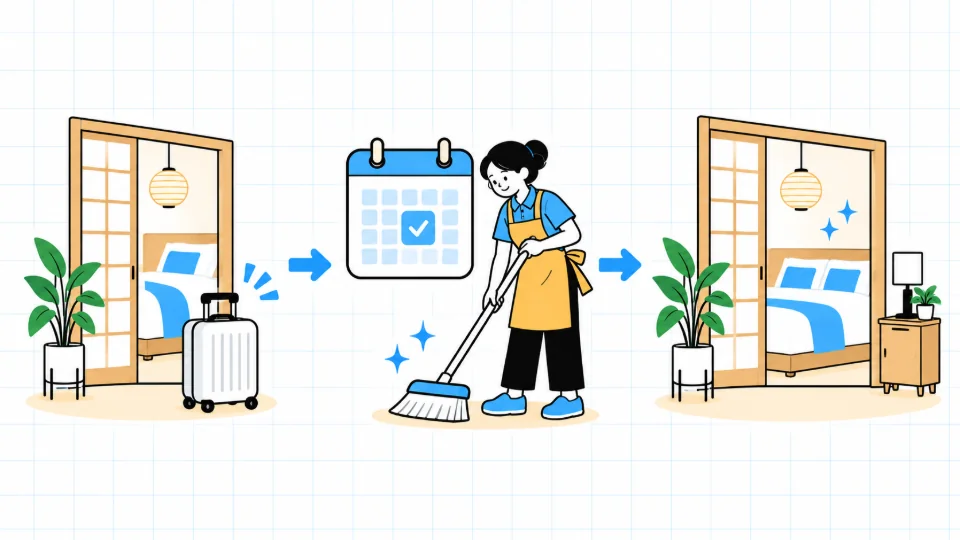
A verified reservation’s checkout supplies the cleaning date. The property’s usual check-out and next check-in times define the working-window requirements.
Requirements for this function
Access, staff, the cleaning agreement and the schedule still need confirmation. Creating a task does not guarantee a cleaner or completed work.
Check sync health
What is difficult today

A visible schedule does not tell you when the booking source was last fetched successfully.
How STAYJP helps organize it

Review the last successful fetch. If collection fails, existing cleaning schedules are retained while retry and recovery proceed; repeated failures require operator attention.
Requirements for this function
Planned iCal collection uses seven daily rounds starting hourly from 18:00 through 00:00 JST. Room fetches are spread within each round; the final round continues during the 00:00 hour. Processing, retries and source updates can be delayed. Real-time updates and confirmed double-booking detection are not guaranteed.
Related service information
Cleaning schedule questions
Are booking changes reflected immediately?
Real-time updates are not guaranteed. iCal is fetched periodically, and the source site and processing may also be delayed. Review the last successful fetch and important changes.
Should I paste my iCal URL into the enquiry?
No. Private calendar URLs are secrets. Send only the service name and room count in an enquiry; actual connection details belong in an authorized setup screen.
Before activation
Cleaning schedule automation and cleaning services have separate agreements. You can keep your existing cleaner. Supported connections, property times, access permissions and notification consent must be confirmed before activation.